

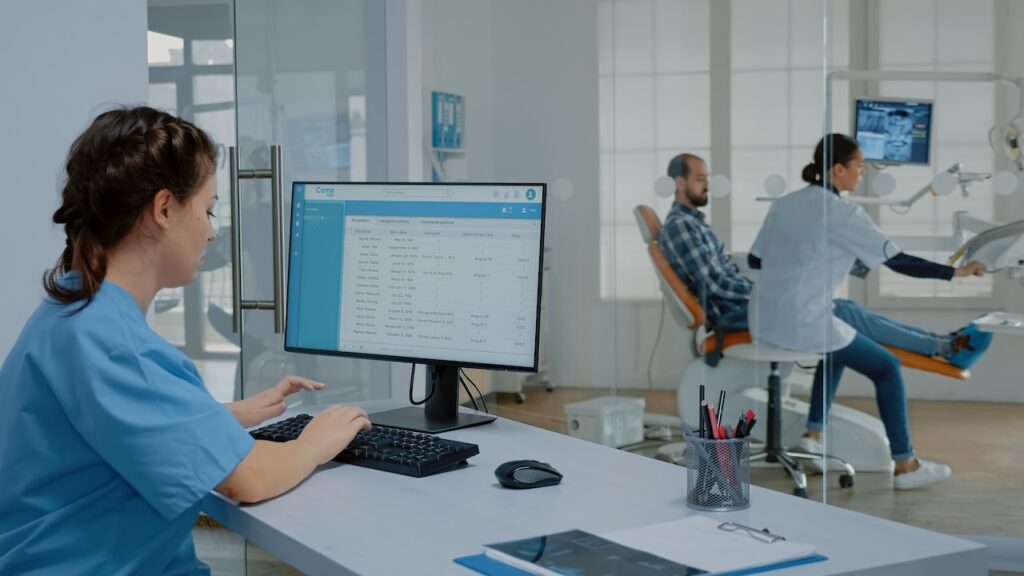
Quick answer: Slow dental practice management software is usually caused by network issues, server limitations, outdated systems, or database problems. Identifying whether the slowdown affects one workstation or the entire office is the fastest way to narrow down the cause and get Dentrix, Eaglesoft, or any other platform running smoothly again.
A sluggish scheduling screen might seem minor until it pushes back every appointment for the rest of the day. When dental practice management software slows to a crawl, the ripple effects hit scheduling, charting, billing, and imaging all at once. Staff lose time waiting for screens to load, and patients notice the delay in the waiting room.
Dentrix and Eaglesoft are two of the most widely used platforms in dental offices, and locally hosted configurations depend heavily on stable network and server connectivity. When that connection falters, even simple tasks like pulling up a patient chart can feel like watching a loading bar that never finishes. Understanding the common culprits behind these issues is the first step toward fixing IT slowdowns.
Common Signs Your Dental Practice Software Is Having a Performance Problem
Before diagnosing the root cause, it helps to recognize the symptoms. Most practices notice one or more of the following:
- Dental practice management software takes a long time to open
- Patient records load slowly
- Screens freeze or become unresponsive
- Delays occur when saving or retrieving information
- Frequent disconnects interrupt daily work
- Multiple computers experience the same issue at once
Why Is Dentrix Running Slowly?
Dentrix relies on a stable connection between workstations and the server, so network connectivity issues are among the most common causes of slowdowns. Server performance limitations, including insufficient storage or processing power, can also bog down the entire system.
Other culprits include too many applications or processes running at once, outdated software or operating systems, and database issues that build up over time. Whether the slowdown affects a single workstation or every computer in the office is an important clue for narrowing down the cause.
What to Check When Dentrix Is Slow
A few quick checks can save significant time before calling for outside help:
- Restart the affected workstation
- Check network connectivity
- Identify whether the slowdown happens with specific functions or throughout the software
- Look for recent updates or configuration changes
Why Isn’t Eaglesoft Opening?
When Eaglesoft won’t open, the cause often traces back to an issue with the application itself, the workstation, or the network connection linking them to the server. If the server is unavailable or unreachable, Eaglesoft simply can’t retrieve the data it needs to launch.
Sometimes the issue is a service that isn’t running correctly in the background, or a compatibility conflict introduced by a recent update. These problems tend to appear suddenly, often right after a system change.
What to Check Before Calling for Help
Gathering a few details ahead of time makes Eaglesoft troubleshooting faster. Before contacting IT, try to collect the following information:
- Affected computers: Is the problem affecting one computer or multiple computers?
- Recent changes: Have there been recent software updates, installations, or configuration changes?
- Affected functions: Is the software failing to open entirely, or are only certain features running slowly?
- Network access: Can affected workstations connect to other network resources?
- Error access: Are there any error messages or codes appearing on screen? Note or photograph them if possible.
- User access: Can other staff members still access the software from their computers?
Having these details ready can help IT support narrow down the cause without spending unnecessary time gathering basic information.
What Does It Mean When Dental Software Can’t Connect to the Server?
Every workstation running dental practice management software depends on a chain of connections: the computer talks to the network, the network talks to the server, and the server stores and delivers the data. But it’s important ot note that this applies primarily to locally hosted configurations.
A break anywhere in that chain can stop the whole system cold. Common causes include network outages, an offline server, incorrect network configuration, firewall interference, or a server running low on resources.
How IT Support Can Diagnose Slow Dental Practice Management Software
A structured diagnostic process helps pinpoint exactly what’s causing the slowdown:
- Identify whether the problem is software-, hardware-, network-, or server-related
- Test affected workstations individually
- Review server performance and resource usage
- Check network connectivity and firewall settings
- Examine error messages and system logs
- Determine whether the issue is isolated or practice-wide
- Implement a solution and monitor performance afterward
Getting Ahead of Dental Practice Management Software Slowdowns
Chasing down the source of a slowdown shouldn’t eat into the time you’d rather spend with patients. SmileIT works exclusively with dental practices, which means the team already knows how Dentrix, Eaglesoft, and your imaging equipment are supposed to behave, and can spot what’s off faster than a general IT provider.
Instead of waiting for the next freeze-up to figure out what’s wrong, get ahead of potential IT issues with support designed specifically for dental practices. Request your free dental IT review from SmileIT to identify potential problems and find ways to keep your systems running the way they should.

